Closed Tests for Two Android Apps at Once: Planning It on a Budget
Say you have two small apps ready around the same time, for example a recipe scaler and a habit tracker, on a newer personal developer account. Both have to clear Google Play's closed testing requirement before you can apply for production access. The first question we get here at 12testers.pro is usually: does one closed test cover both apps? It doesn't, and knowing that up front saves a restart.
The short answer
Each app has its own closed testing track, its own testers list and its own Dashboard. The requirement for affected personal accounts is at least 12 testers opted in to that app's closed test for the last 14 continuous days. Testers who opted in to app A haven't opted in to app B, even if they're the same people on the same Google Group. You apply for production access app by app, from each app's Dashboard.
So two apps means two closed tests. They can run at the same time, but they're counted separately.
If you'd rather not recruit two sets of testers, 12testers.pro runs a managed closed test for a flat $8 per app. Two apps is two runs, $16 total, one-time, no subscription.
What to check before starting either test
Two apps doubles every small mistake, so go through this list for each app separately:
- The release is on the Closed testing track, not Internal testing. Internal testers don't count toward the requirement.
- The closed release has rolled out. In Publishing overview, nothing for that track should be waiting to be sent for review.
- Countries and availability are set so testers in other regions can actually install.
- The opt-in link opens in a signed-out browser and shows the "become a tester" page rather than an error.
- The Testers tab has the right list or Google Group attached. It's easy to set this up on app A and forget app B.
The fifth one is the classic two-app slip: the group is attached on the first app, the second app's testers list is still empty, and nobody notices until its opted-in count stays flat.
Parallel or staggered?
There are two ways to schedule it, and neither is wrong.
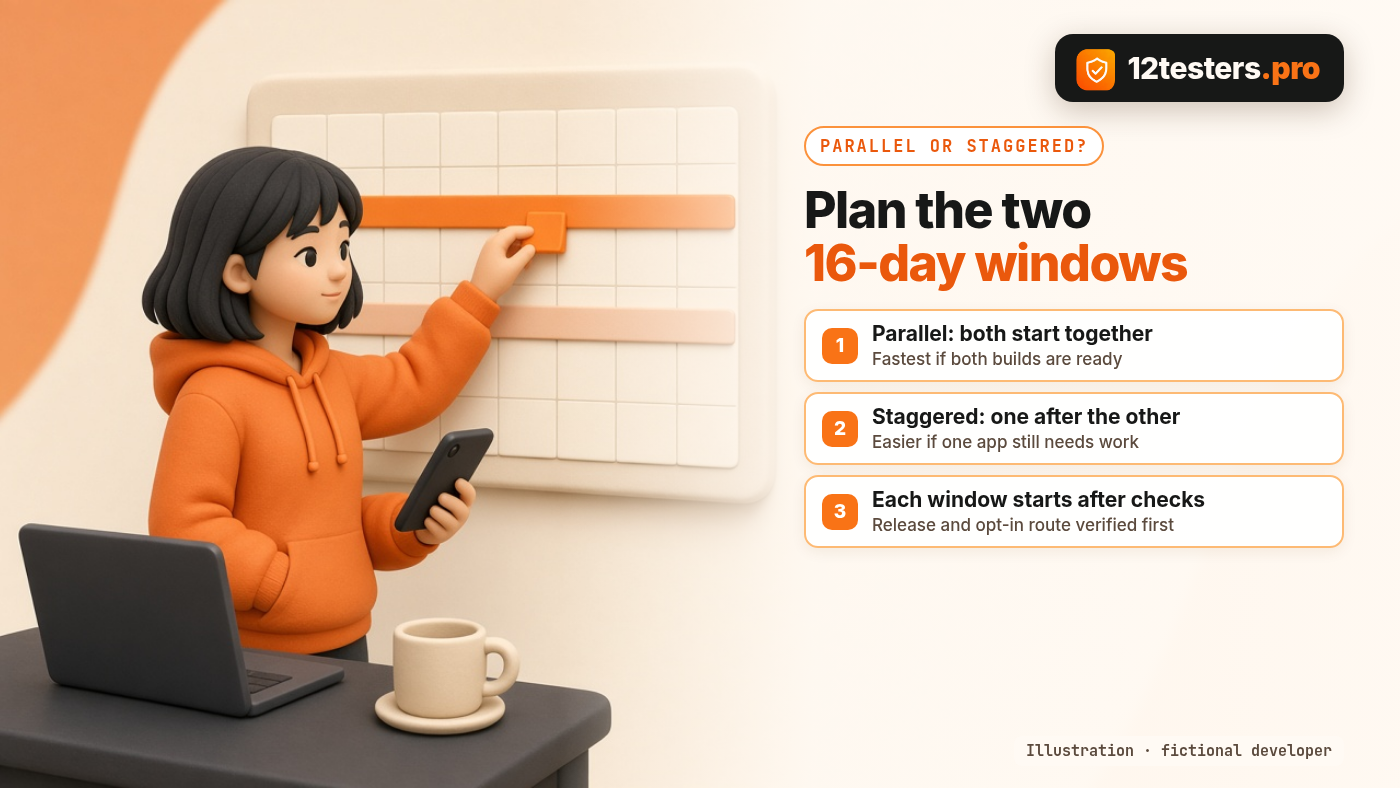
Parallel. Both closed tests start the same week. This is the fastest route to applying for both, but only if both builds are genuinely ready. If you ship big changes to one app mid-test, you're juggling two sets of fixes at once.
Staggered. Start the app that's closer to done, then start the second a week or so later. You get to learn from the first run (where testers got stuck, what the opt-in flow looked like) before the second begins. It's slower overall but calmer.
A simple rule: if one app still has a known broken screen, stagger. Start the stable one, and start the other once the fix is on its closed track.
How the $8 runs work when you have two apps
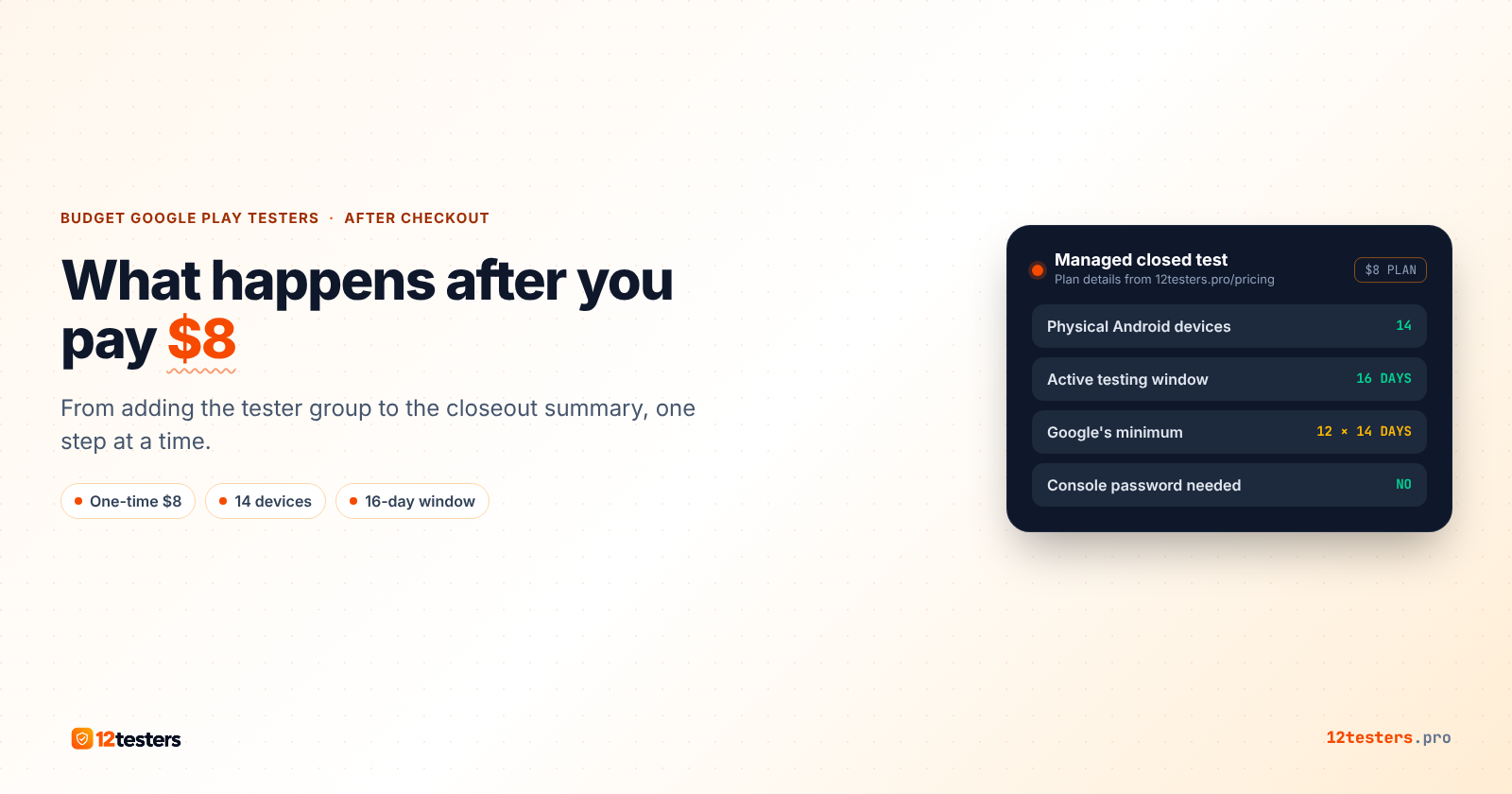
Each app is its own order. For each one, you add the tester groups to that app's Closed testing track or share that app's opt-in link. No Play Console password or credentials are needed. Enrollment starts after the release and the access route are checked, and each run covers a 16-day window, which leaves a two-day buffer past Google's 14-day minimum. How it works lays out the four steps.
A few things to keep straight with two runs going:
- Watch each app's opted-in count in your own Play Console. That's the record that matters, not anyone's summary.
- Don't pause or remove either closed release during its window.
- Ship fixes to the same track with a new version code. Testers stay opted in.
- Keep a short log per app: date, what testers reported, what you changed. It's useful when you fill in the production access questions.
At the end of each window you get a closeout summary for that app. Google still reviews each application on its own, and it decides production access. Finishing the test makes you eligible to apply; it doesn't guarantee approval.
Costs, side by side
For two apps, the real comparison is your own time against a fixed price:
- Recruiting yourself: free in money, but you need 12 people opted in to each app for 14 continuous days, and anyone who drops out on day 9 puts the clock at risk for that app.
- 12testers.pro: $8 per app, so $16 for two, paid once per app with the final total shown at checkout.
If one of your apps is still changing every day, it can make sense to recruit friends for that one later and order a run for the stable app now. There's no need to treat both the same way.
Where to start
Pick the app whose closed release is already live and whose opt-in link works in a signed-out browser. Start that one first. If it helps, you can order the $8 run for that app on the 12testers.pro pricing page and set up the second app when it's ready.
Comments
Join the discussionNo comments yet. Be the first to comment.